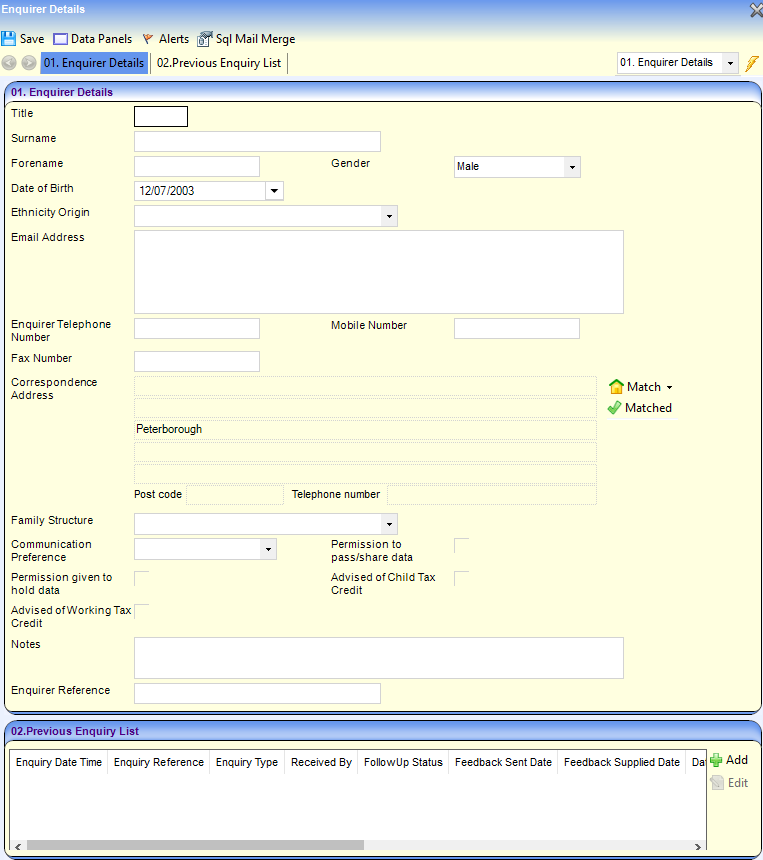
Early Years
Search for an Enquirer
An enquirer can be searched for using various criteria. If they have made a previous enquiry, they might have an enquirer reference. If the enquirer is anonymous, an anonymous enquirer record must have already been created.
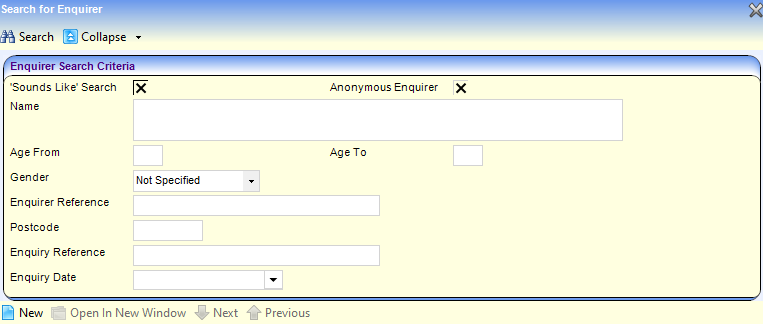
Search for an Enquirer
- Select Focus | Enquiries | Enquiry.
To search for an anonymous enquirer:- Select the Anonymous Enquirer check box to display a tick.
- b. If required, enter Enquirer Reference.
- If required, enter Enquiry Date.
- Enter two or more characters of the Name or three or more characters of the Postcode.
- To search for enquirers with similar names, select the Sounds Like Search button to display a tick.
- If required, enter additional search criteria.
- Click the Search button to display matching enquirers.

- Highlight the required record and click the Open In New Window button to display the Enquirer Details page.