
Add a New Student to the Database
Where a new student needs to be added to the database, this can be done as follows:
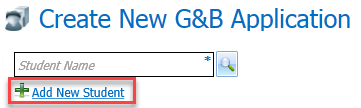
- From the Create New G&B Application page, click the Add New Student hyperlink to display the Add New Student dialog.
- Enter the details for the student. Forename, Surname, DOB and Gender are required.
- Enter any additional details for the student.
- Click the Save button to return to the Create New G&B Application page.