
Process Incomplete Applications
If there are any applications that have been started but not confirmed, the Incomplete Applications button is enabled on the Training Manager Welcome page and the number of incomplete applications is displayed.
- Click the Incomplete Applications button to display the Incomplete Applications page.
Citizen Portal

Provider Portal

- Select from the following options:
- Continue an application
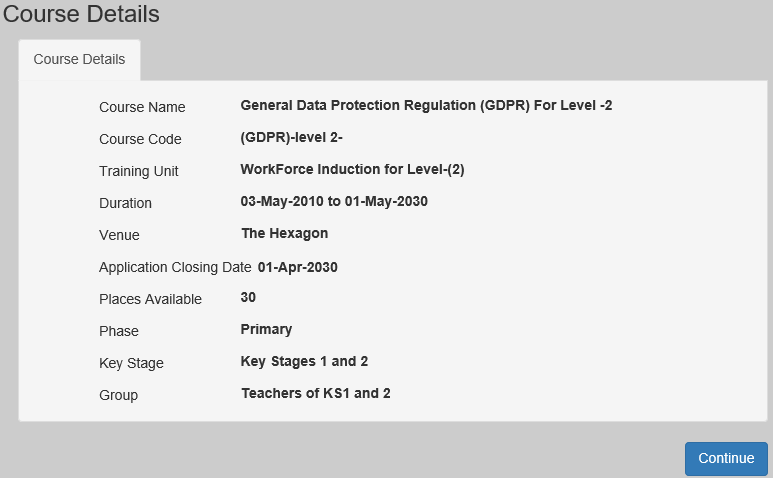
- Click the Continue with application button to display the Course Details page, which is pre-populated with the course details that were previously entered.
Citizen Portal
Provider Portal
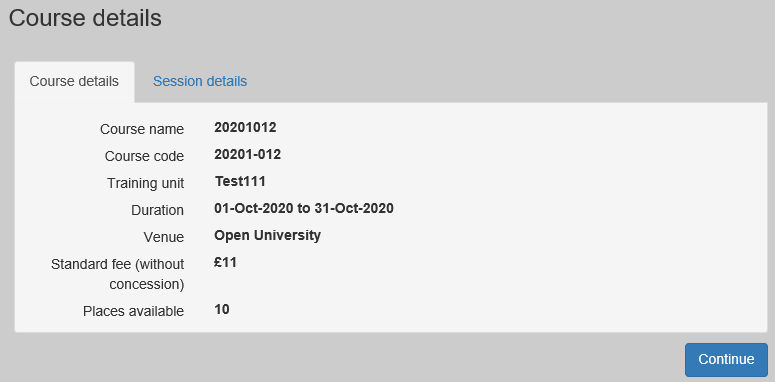
- Click the Continue button to continue with the application.
- Click the Continue with application button to display the Course Details page, which is pre-populated with the course details that were previously entered.
- Delete an application
The Incomplete Applications button displays the number of applications that have been started but not confirmed. These applications can be deleted.- Click the Delete button to delete the application.
- Continue an application