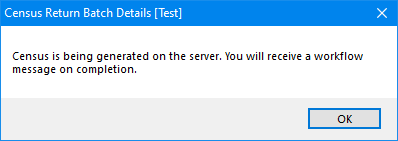
Pre-populate the Census Details
- Select Focus | Early Years | Census Return to display the Early Years Census Enquiry page.
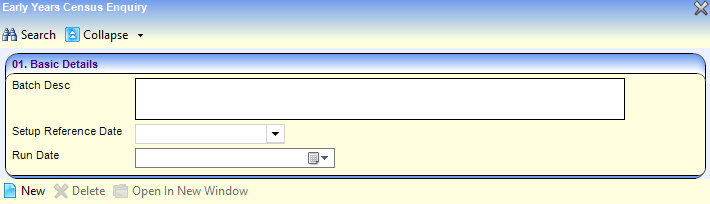
- Click the New button to display the Census Return Batch Details page.
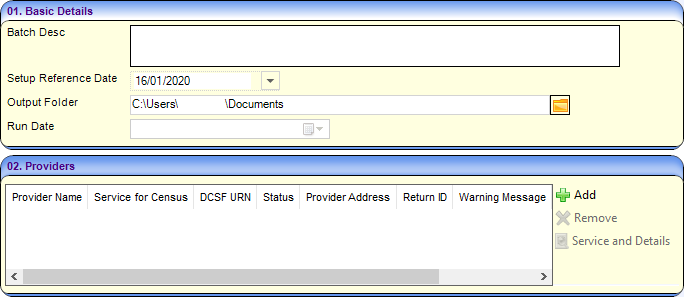
- In the 01. Basic Details panel, enter details as required.
- Select the providers to be returned:
- In the 02. Providers panel, click the Add button to display the Search Childcare Provider dialog.
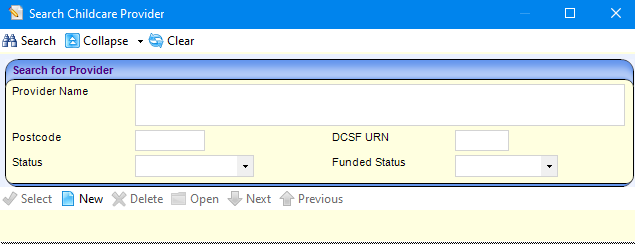
- Enter search criteria and then click the Search button to display a list of matching providers.
Select providers as required.
- In the 02. Providers panel, click the Add button to display the Search Childcare Provider dialog.
- Click the Save and Populate Services button to save the census details and update the Service for Census.

- If required, select a different service for the census:
- Highlight the provider in the Providers panel.

- Click the Service and Details button to display the Census Details page.
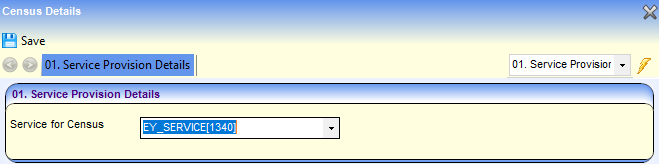
- Select the required Service for Census.
For example:

- Highlight the provider in the Providers panel.
- Click the Generate button to display a confirmation dialog.
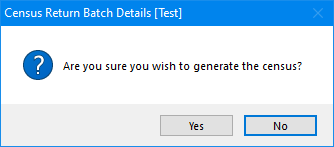
- Click the button pre-populate the census details and display a message in My Workflow Messages.