Account Details Tab
Update Invoice Point Details
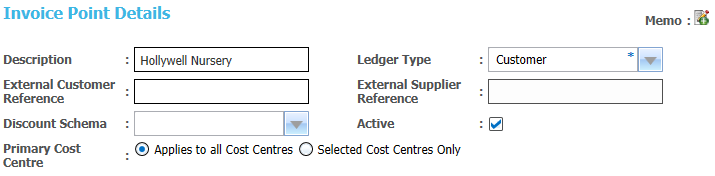
- Select the required invoice point in the list to display the Account Details.
- Edit the details as required.
Cost centres
The Cost Centre Details panel displays current cost centres for an account.
Add a Cost Centre
Existing cost centres are displayed on the Cost Centre Details panel. New cost centres can be added.
The list of cost centres includes all training units. It is managed as a lookup table (Table ID: 1191).
- Select an account to display the Cost Centre Details.

- Click Add to display the Select Cost Centre window with a list of all available cost centres.
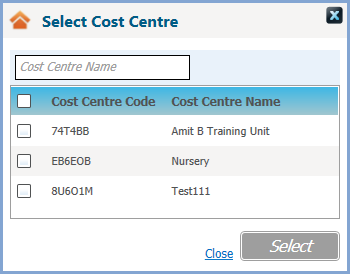
- Select cost centre(s) as required.
Remove a Cost Centre
A cost centre can be removed if there are no associated transactions.
- Select an account to display the Cost Centre Details.
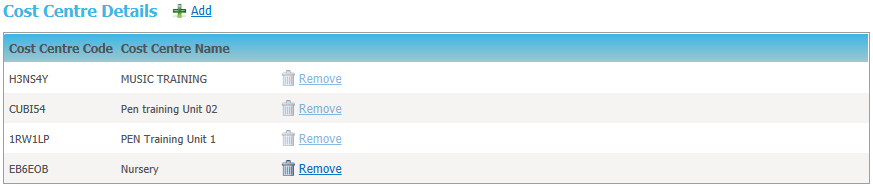
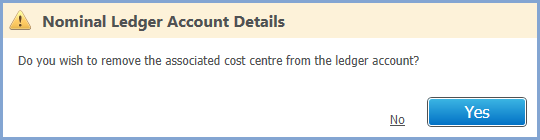
- Click Remove to display a confirmation message.
Finance Contact Details
Finance contact details for bases are maintained as additional contact information.
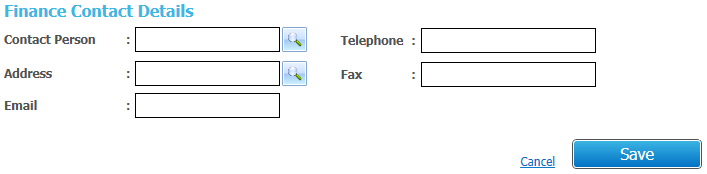
- Click the Contact Person browse to display the Person Search dialog and select a person to be the finance contact.
Alternatively, if you do not wish to record the contact person on the database, you can enter the details as free text. - Click the Address browse to display the Address Manager dialog. Search for and select an address as required.
- Enter remaining details as required.
Select a Person using Person Search
The Person Search dialog is used to find person details stored on the database.
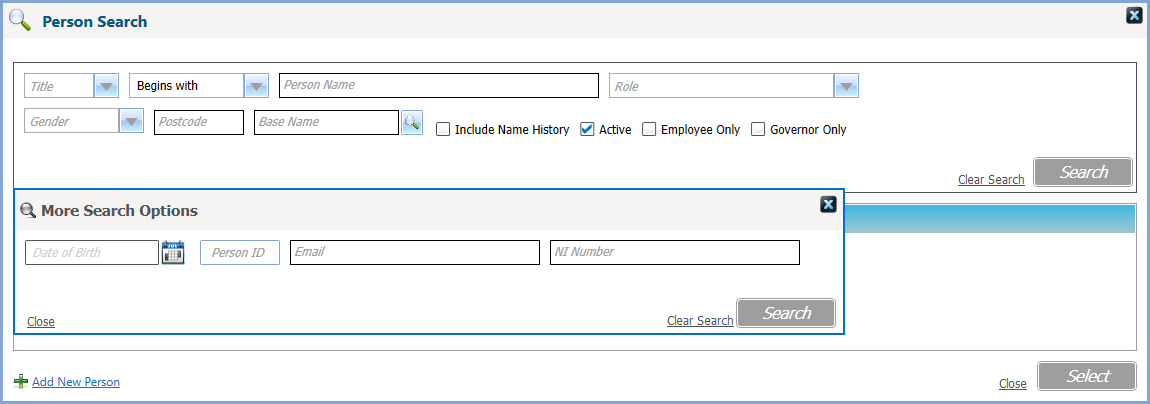
To search for a person:
- Enter search criteria as required.
If you select a Base Name the person search retrieves records for current or future base contacts, personnel service records and governors with current or future appointments for the governing body linked to that base.
The Employee Only check box is only visible to users with a Personnel module license. *
The Governor Only check box is only visible to users with a Governors module license.
Use click the More Options hyperlink to display the More Search Options dialog if required. - Click Search to display a list of matching people on the One database.
- Select the required person.
* The Personnel module is no longer accessible from the v3 client from the Summer 2021 (3.75) release.
Alternatively, click Add New Person to add a new person to the database.
If you are selecting a person as a course applicant, the Search button changes to display Freeze & Search enabling you to search for another person.
The Freeze & Search functionality enables you to search for and select multiple records with multiple criteria.
Select an address using Address Manager
The Address Manager dialog is used to find address details stored on the database.
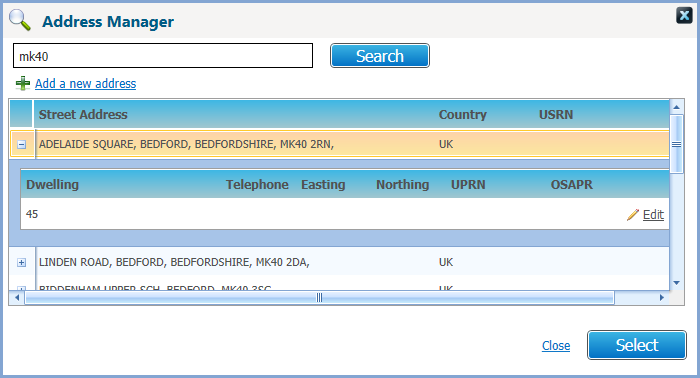
To search for an address:
- Enter search criteria as required.
- Click Search to display a list of matching addresses on the database.
- Click the expand button for the required Street Address to list the Dwelling details.
- Select the required address.
Alternatively, click the Add a new address hyperlink to add a new address to the database.
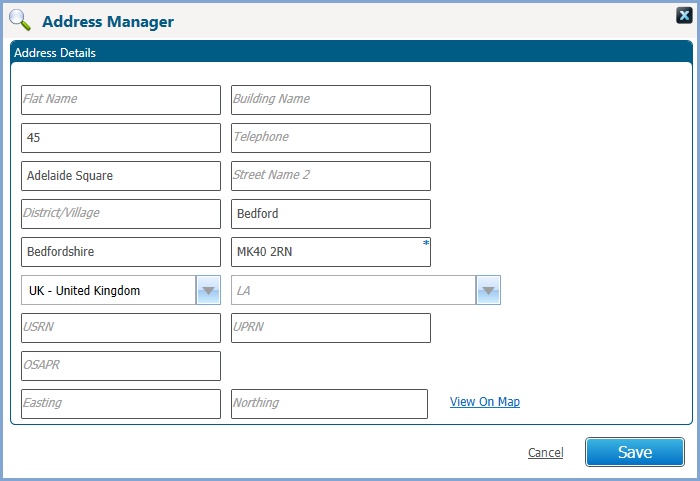
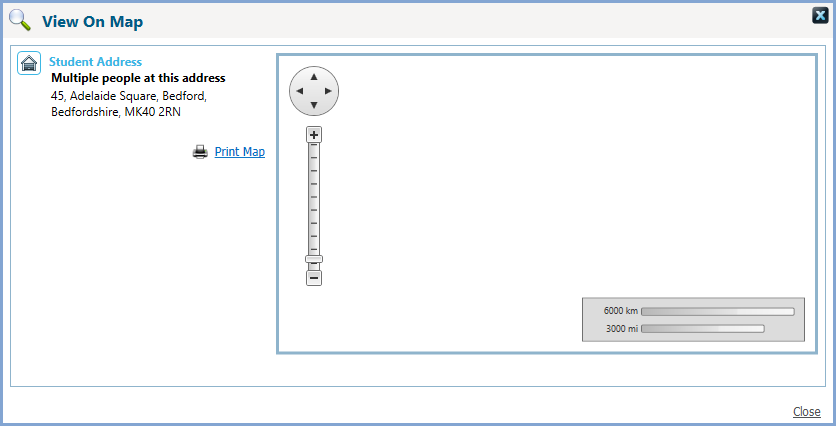
To see the address on a map, click the View On Map hyperlink.