My Messages
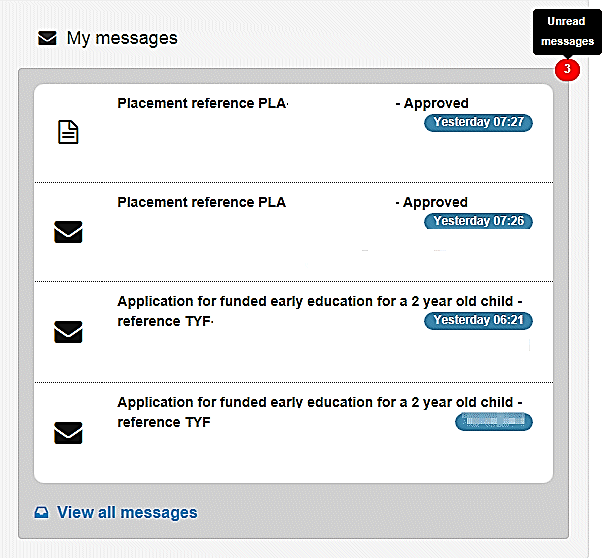
Messages for the two year old funding manager are displayed via Provider Portal | Two Year Old Funding | User Home Page. The panel displays the latest messages, and indicates the total number of unread messages.
-
Click the View all messages link to display all received messages.
-
Select an individual message to view the full details.
A placement message displays the following details:
- Title - type of application, reference number and status.
- Placement Details
- Placement reference number, prefixed by PLA
- Placement date
- Service name
- Placement entered by
- Child/Application Details
- TYOF application reference number, prefixed by TYF
- Child’s name
- Child’s date of birth
- Eligibility date for start of funding
- Current address
- Applicant Details
- Applicant name
- Relationship to child
- Contact details.
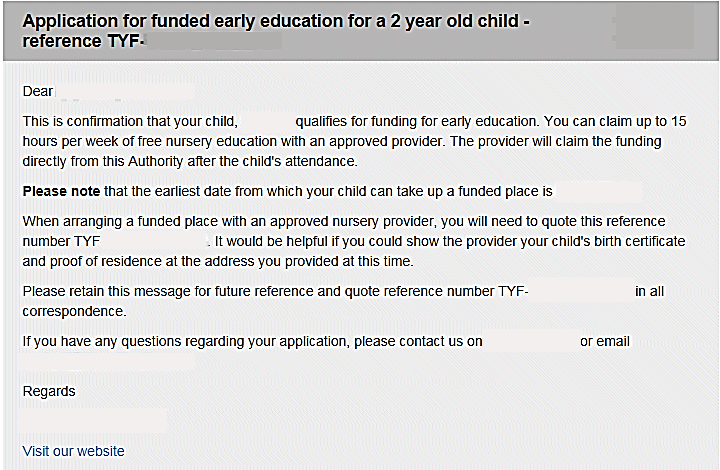
A two year old funding application message displays as a letter. As the LA can configure the contents according to their own requirements, the following graphic is an example.