
Early Years
Manage Job Vacancies
Job vacancies for a childcare provider can be displayed and updated. To display the job vacancies, search for the provider or the service provision and click the Job Vacancies link.
Display Vacancies for a Childcare Provider
Menu: Focus | Early Years | Search for Provider
- Enter one or more search criteria and click the Search button:
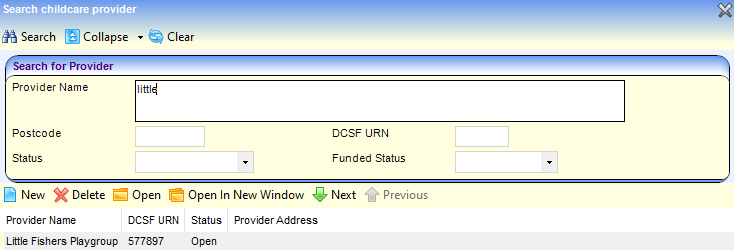
- A full or partial Provider Name.
- A full or partial Postcode.
- A DCSF URN.
- Select a Status.
- Select a Funded Status. Wildcards of %% can be used.
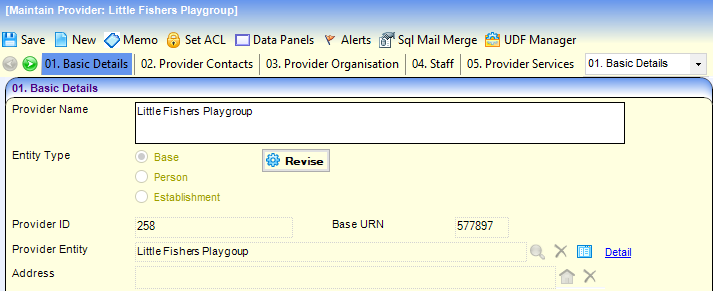
- Select the required provider in the results list and click the Open In New Window button to display the Maintain Provider page.
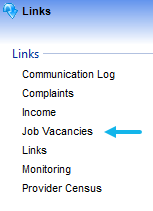
- Click the Job Vacancies link on the Links panel to display the Job Vacancies page with a list of current vacancies at the provider.
Display Vacancies for a Service Provision
Menu: Focus | Early Years | Search Service Provision
- Enter one or more search criteria and click the Search button:
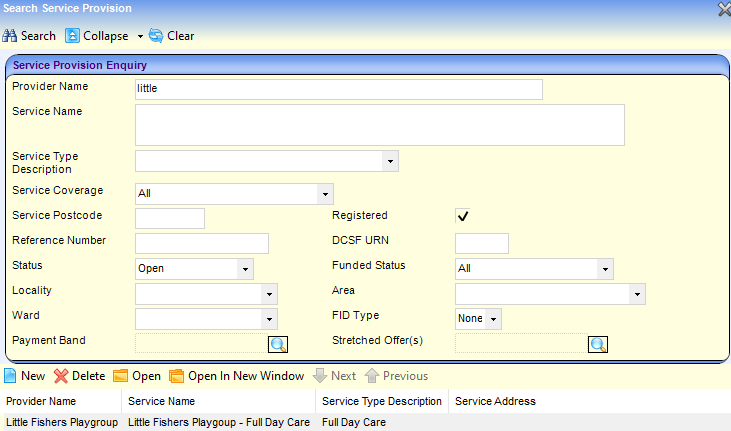
- A full or partial Provider Name.
- A full or partial Service Name.
- Select a Service Type Description. Wildcards of %% can be used.
- Select the required service in the results list and click the Open In New Window button to display the Maintain Service Provision page.
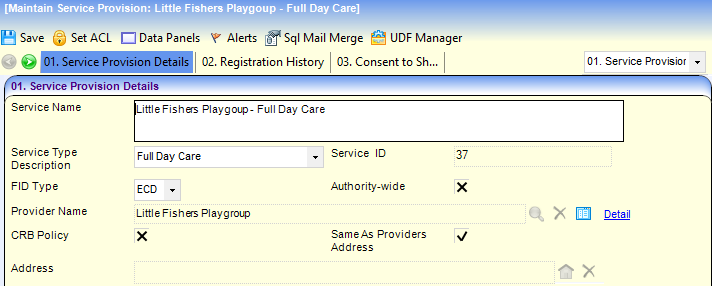
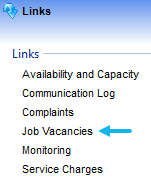
- Click the Job Vacancies link on the Links panel to display the Job Vacancies page with a list of current vacancies at the service provision.
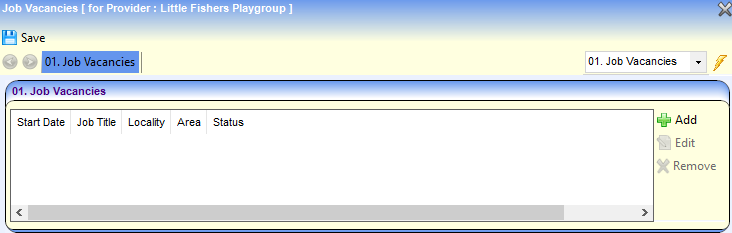
Update Job Vacancy Details
- To record a new vacancy click the Add button to display the Job Vacancies details page.
To update a vacancy, select it and click the Edit button.
To remove the vacancy, select it and click the Remove button.
- On the Job Vacancy Details panel, enter a Job Title.
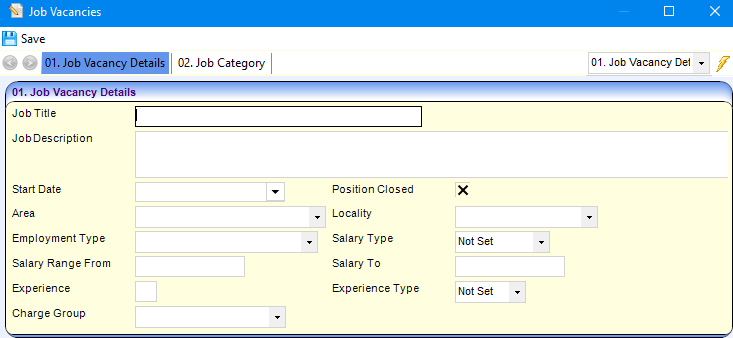
- If required, enter the following:
- Job Description.
- Start Date.
- Salary Range.
- Select the Area and Locality.
- Select the Employment Type and Salary Type.
- Select Charge Group.
- If experience is required for this job vacancy, enter the number and select Weeks, Months or Years from the Experience Type dropdown.
- If the position is closed, select the Position Closed check box to display a tick.
- If required, enter the following details on the Job Category panel:
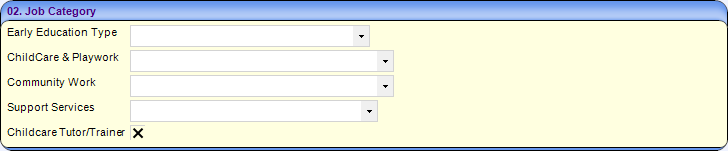
- Select an Early Education Type from the drop-down (Lookup Table ID: 0811).
- Select a Childcare & Playwork category from the drop-down (Lookup Table ID: 0812).
- Select a Community Work category from the drop-down (Lookup Table ID: 0812).
- Select a Support Services category from the drop-down (Lookup Table ID: 0812).
- If the vacancy is for a childcare tutor or trainer, select the Childcare Tutor/Trainer check box to display a tick.
- Click the Save button.
 Related Reference Guides: Related Reference Guides:
|